📑 Book Templates
Our Microsoft Word Templates are designed to make book formatting easier for authors. Even though we call them Word Templates, they work just as well in other major word-processing programs like WordPerfect, Open Office, and Pages for Mac.
You don’t need to retype your manuscript. Simply copy and paste your text into our template, or if you’re just starting out, type directly into it. These templates give you a better idea of your book size and page count before moving into publishing.
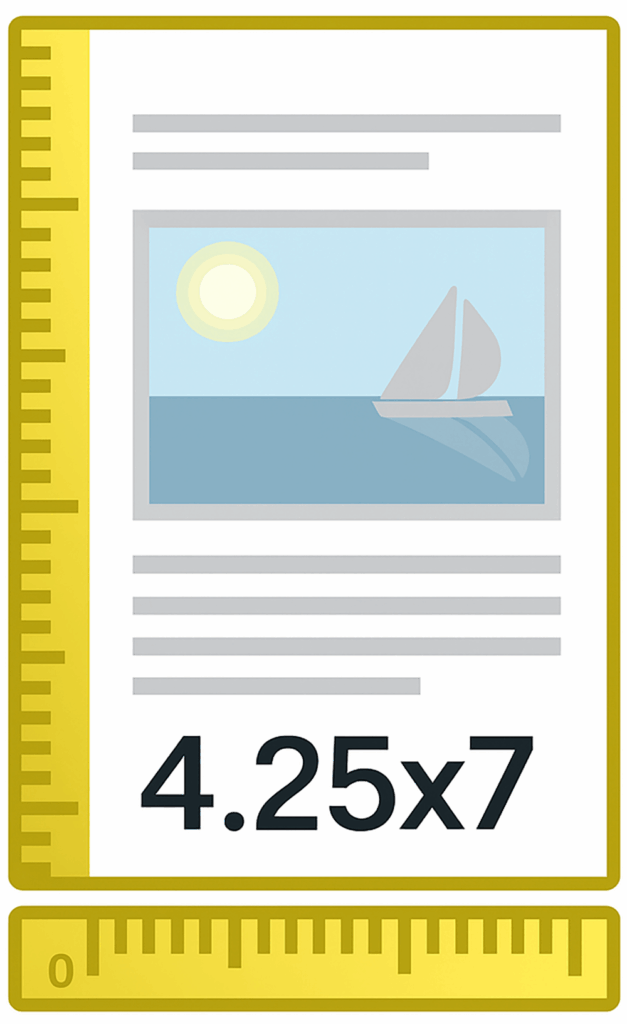
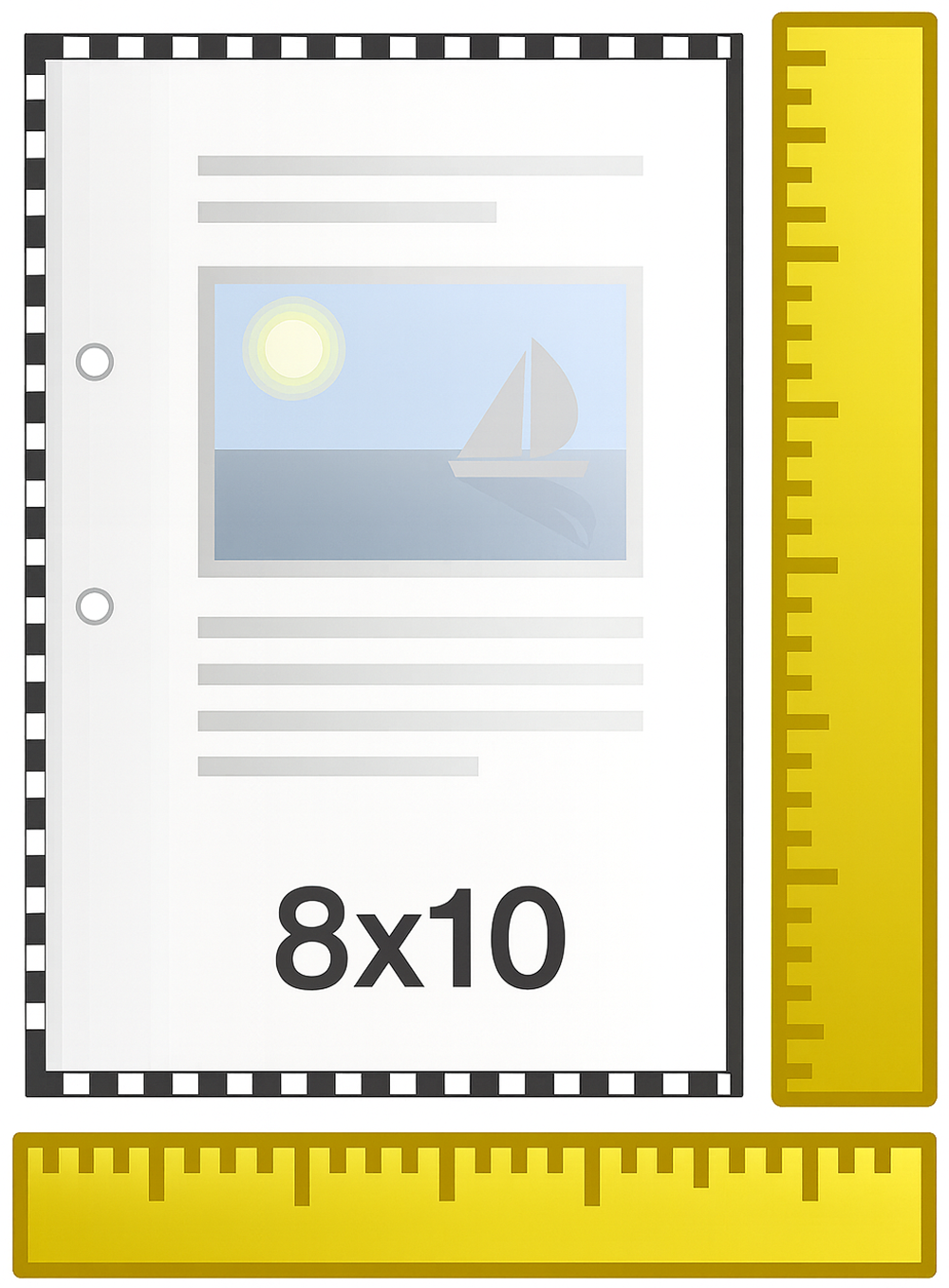
- MASS MARKET PAPERBACK
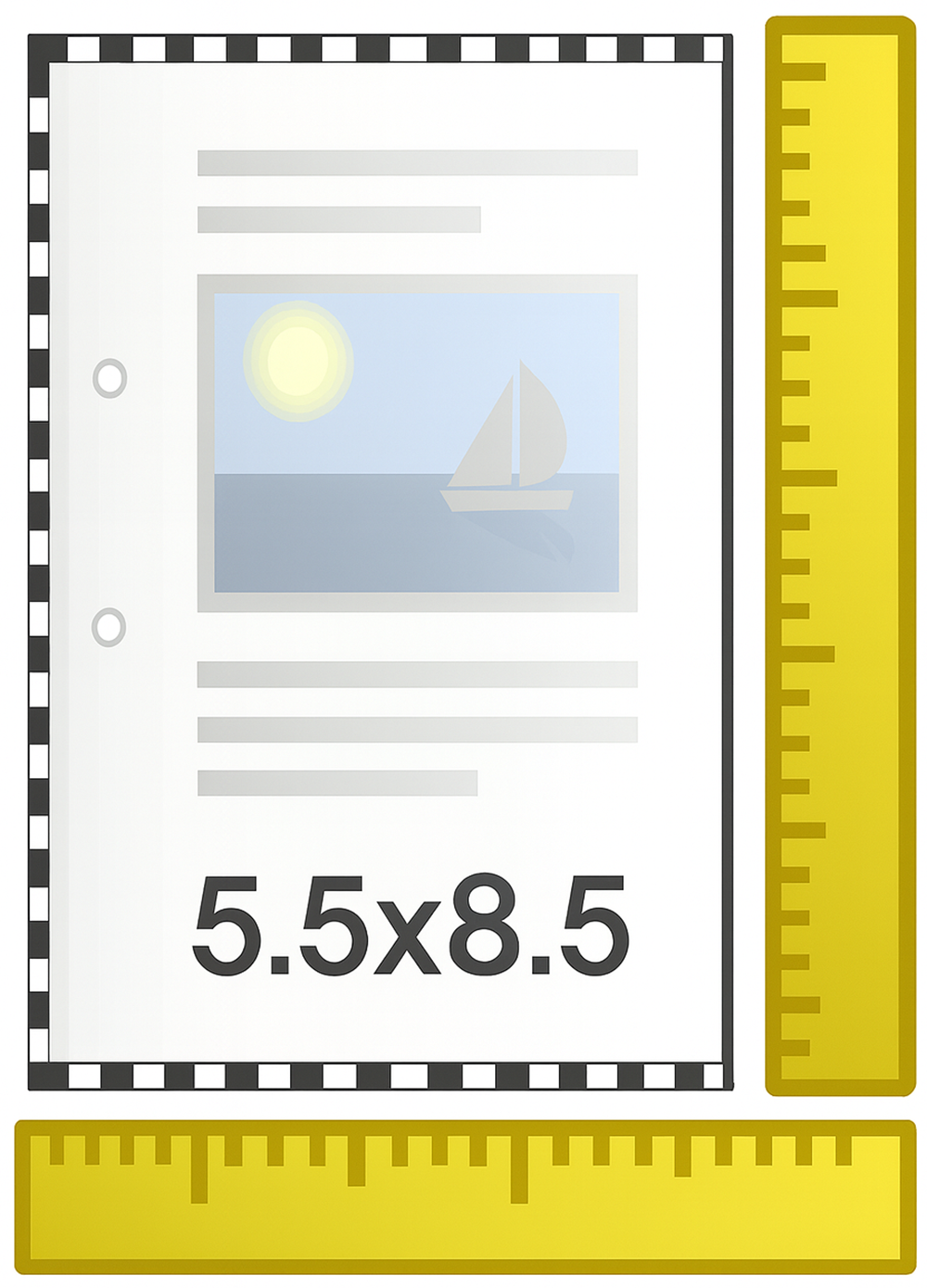
- CLASSIC TRADE PAPERBACK
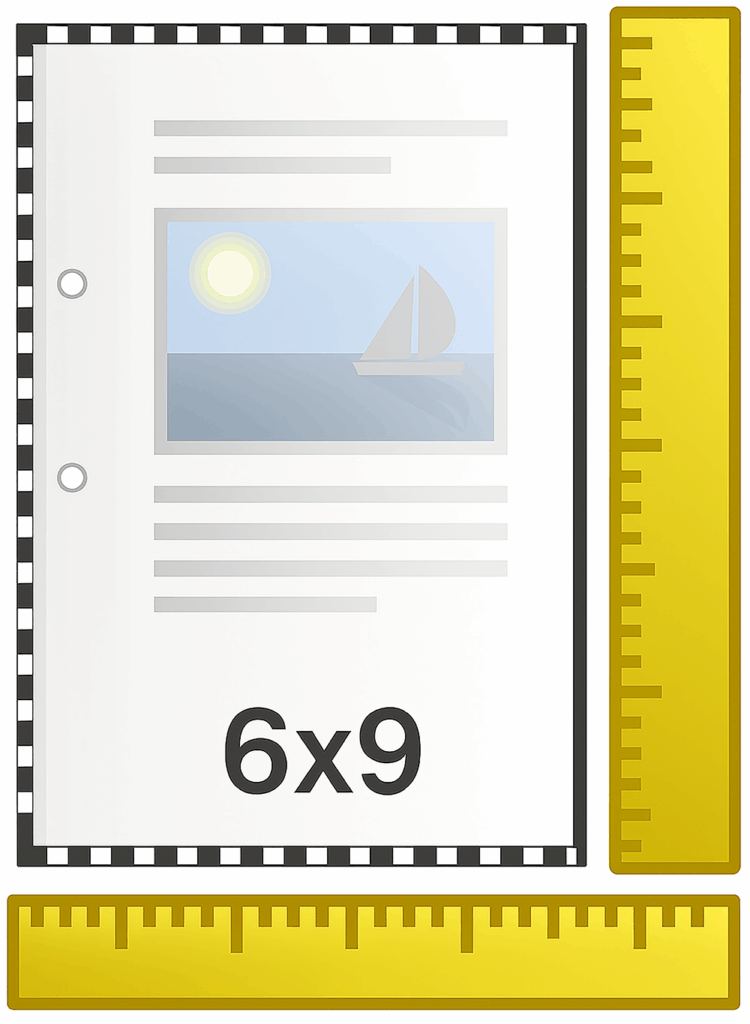
- STANDARD TRADE PAPERBACK
- LARGE FORMAT/ACADEMIC
- Great for novels and novellas
- Popular for fiction series (romance, mystery, sci-fi)
- Pocket-sized for easy carrying and travel
- Often used for reprints or budget editions
- Works well for self-help and inspirational books
- Good balance of readability and portability
- Standard choice for poetry collections
- Professional feel for general trade books
- The most popular size for self-published authors
- Ideal for novels, nonfiction, and anthologies
- Preferred by business and professional books
- Roomier layout allows for graphics, charts, or longer works
- Perfect for workbooks, journals, and activity books
- Standard for textbooks, manuals, and reference books
- Great for coffee table books or photo-heavy publications
- Provides space for charts, diagrams, worksheets, and large fonts
📩 Not sure which size is right for your book?
Every project has unique needs. Whether you’re publishing a novel, workbook, or photo collection, Griot Publishing can help you choose the format that best fits your vision.
👉 Contact us today for personalized guidance.
Every project has unique needs. Whether you’re publishing a novel, workbook, or photo collection, Griot Publishing can help you choose the format that best fits your vision.
👉 Contact us today for personalized guidance.
STEP 1. Copy your text
Open your original manuscript in Word.
Select the entire text and COPY it.
Close the file so you don’t overwrite it.
STEP 2. Paste your text into our template
Open the template file.
Select all placeholder text and PASTE your manuscript in.
Save this new file under a different name (so you always keep your original safe).
STEP 3. Apply basic formatting
Open the Styles and Formatting menu.
In Word 2007 and later: open the “Styles Window” from the Home tab.
Select all text and change it to Normal style.
4. Update specific elements
Apply styles for your:
Title
Subtitle
Author’s name
Copyright page
Table of Contents
Front matter (Foreword, Preface, etc.)
Chapter headings
Adjust font sizes or styles as needed.
Notes About Templates
File Types – Templates are provided in Word Document format. Don’t have Word? You can use free alternatives or download a PDF version.
Margins – For self-publishers, set margins at least 0.75” all around (never less than 0.5”). 1” margins are fine. Very small margins (e.g., 1/8” left/right) will not work.
Fonts – The fonts in our Templates are only suggestions. Feel free to use any fonts you prefer.
Self-Publishers – The way you send your files is the way we will print them. We do not adjust formatting unless you request this service.
Publishing Packages – If you purchase a full publishing package through Griot, your book will receive basic formatting as part of the service.
✨ Need extra help? Formatting assistance is also available through our À la Carte Services if you’d like us to handle the setup for you.
Enjoy The Best Experience with Us
Publishing doesn’t have to be stressful. At Griot Publishing House, we create a space that feels more like home than hustle. Whether you’re on the couch with a cup of tea or planning your next bestseller, we’re here to make the journey smooth, supportive, and tailored just for you.
Relax. We’ve got your back — from the first page to the final proof.
FAQ
Common Questions
No. The templates are optional, but they give you a strong starting point and help ensure your manuscript is correctly sized before formatting.
Yes. Fonts are only placeholders, and margins can be adjusted as long as they stay within industry minimums (at least 0.5" all around).
Most books fit into 4.25x7, 5x8, 5.5x8.5, 6x9, or 8.5x11. If you need a custom size, we can help you create a special template.
No. Just copy and paste your manuscript into the template, then apply the proper styles for your title, headings, and chapters.
If you’re self-publishing, we print the file as you send it. If you need help with formatting, you can request assistance through our À la Carte Services or select a publishing package that includes full formatting.